The free desktop app that stays on your machine
StepScribe Desktop is open source, free forever, and fully private. Pair a beautiful journal with a local AI sponsor via Ollama — no account, no cloud, no telemetry.
Want zero install and access from any device? Try StepScribe Cloud free for 7 days →
Free for everyone in recovery. Forever. That’s a promise.
Open source. No accounts, no subscriptions, no paywalls, no ads, no telemetry. Your journal never leaves your computer. The optional Cloud version is separate — you only pay if you want someone else to host it.
Same companion. Zero cloud.
Everything that makes StepScribe special — running entirely on your hardware.
Rich-text journal
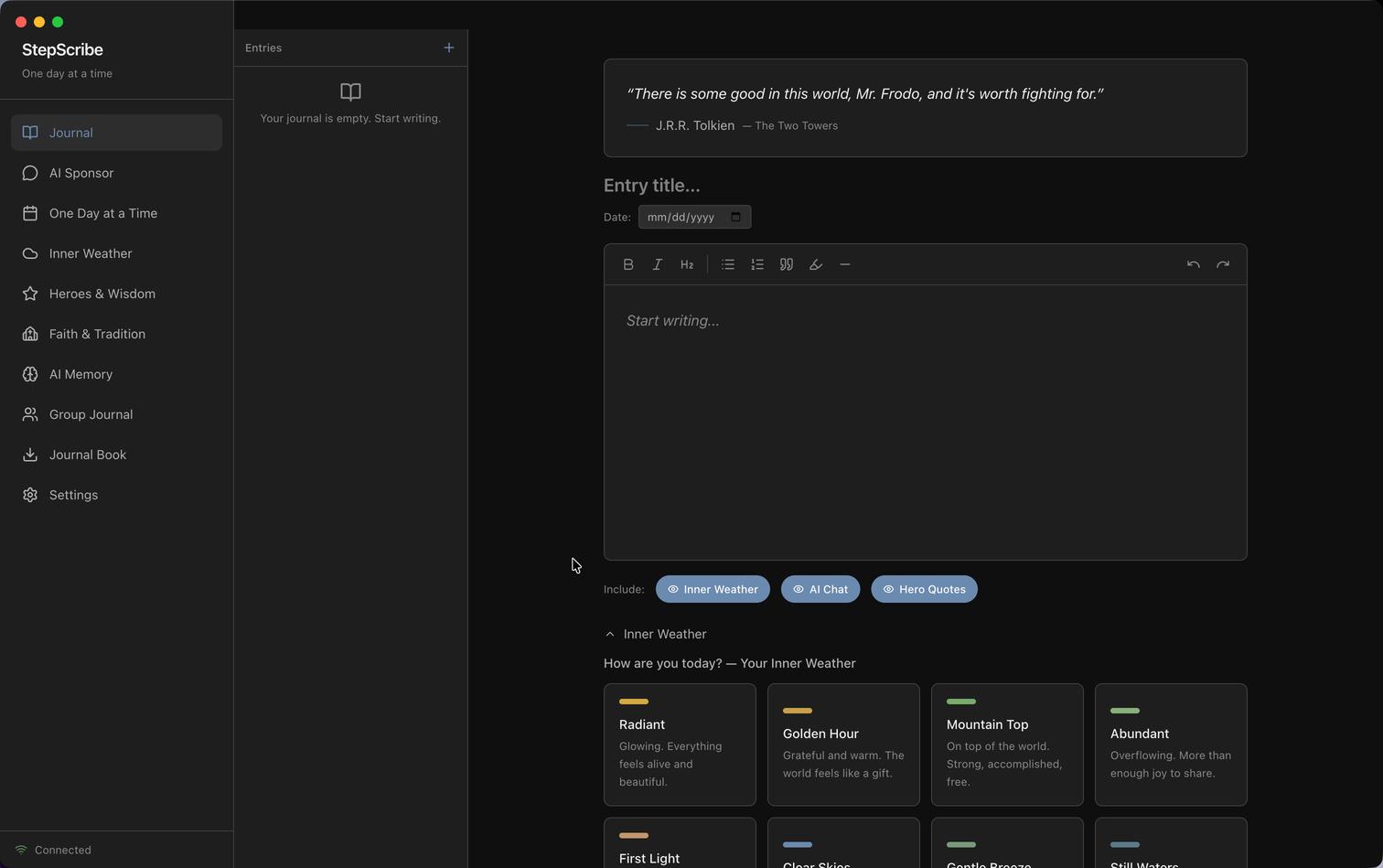
Headings, lists, highlights, and quotes. A focused editor that feels good to write in.
Local AI sponsor
Powered by Ollama on your machine. Remembers your story without sending it anywhere.
Inner Weather
Mood check-ins on every entry. Spot patterns over weeks and months.
Step-work prompts
Reflection prompts tied to the 12 steps. Work at your own pace.
True privacy
Nothing leaves your device. No analytics, no accounts, no third-party AI APIs.
Cross-platform
Native builds for Apple Silicon, Intel Mac, Windows, and Linux (x86_64 & ARM64).
A journal that feels good to write in
Clean, focused, and offline-capable after the first model download.
100% local. Nothing leaves your machine.
Built for people in recovery whose stories are deeply personal. On desktop, privacy is absolute.
- ✓ No account required. Download, launch, write. That’s it.
- ✓ No telemetry. We don’t track usage, crashes, or content.
- ✓ AI runs locally. Ollama keeps models and inference on your computer.
- ✓ Open source. Audit the code on GitHub under GPL-3.0.
What you need to run it locally
You’ll need free open-source Ollama for the AI to work.
Operating System
- macOS 11 (Big Sur) or later
- Windows 10 or later
- Ubuntu 20.04+ / Debian / Fedora
Hardware
- 4 GB RAM minimum, 8 GB+ recommended
- ~1 GB disk for the app + models
- Apple Silicon, Intel, or modern AMD CPU
Required Software
- Ollama installed (free, open source)
- Internet for first-run model download (~2 GB)
- Optional: GPU for faster AI responses
Get StepScribe Desktop Beta
Free, open source, and ready in seconds. Download and launch — then install Ollama if you haven’t already.
Linux
x86_64 & ARM64
💡 Which download do I need?
Mac — Apple Silicon vs Intel: If your Mac was made in 2020 or later, it almost certainly has Apple Silicon (M1–M4). Check: Apple menu → About This Mac. If the chip says “Apple M…” choose Apple Silicon; if it says “Intel” choose Intel Mac.
Windows: One installer covers all modern Windows PCs (64-bit).
Linux: Most PCs use x86_64. ARM64 is for devices like Raspberry Pi. AppImage runs on any distro; .deb is for Debian/Ubuntu-based systems.
After install: Install Ollama, then open StepScribe and follow the first-run model setup.
Looking for a different version? View all releases on GitHub →
Prefer not to install anything?
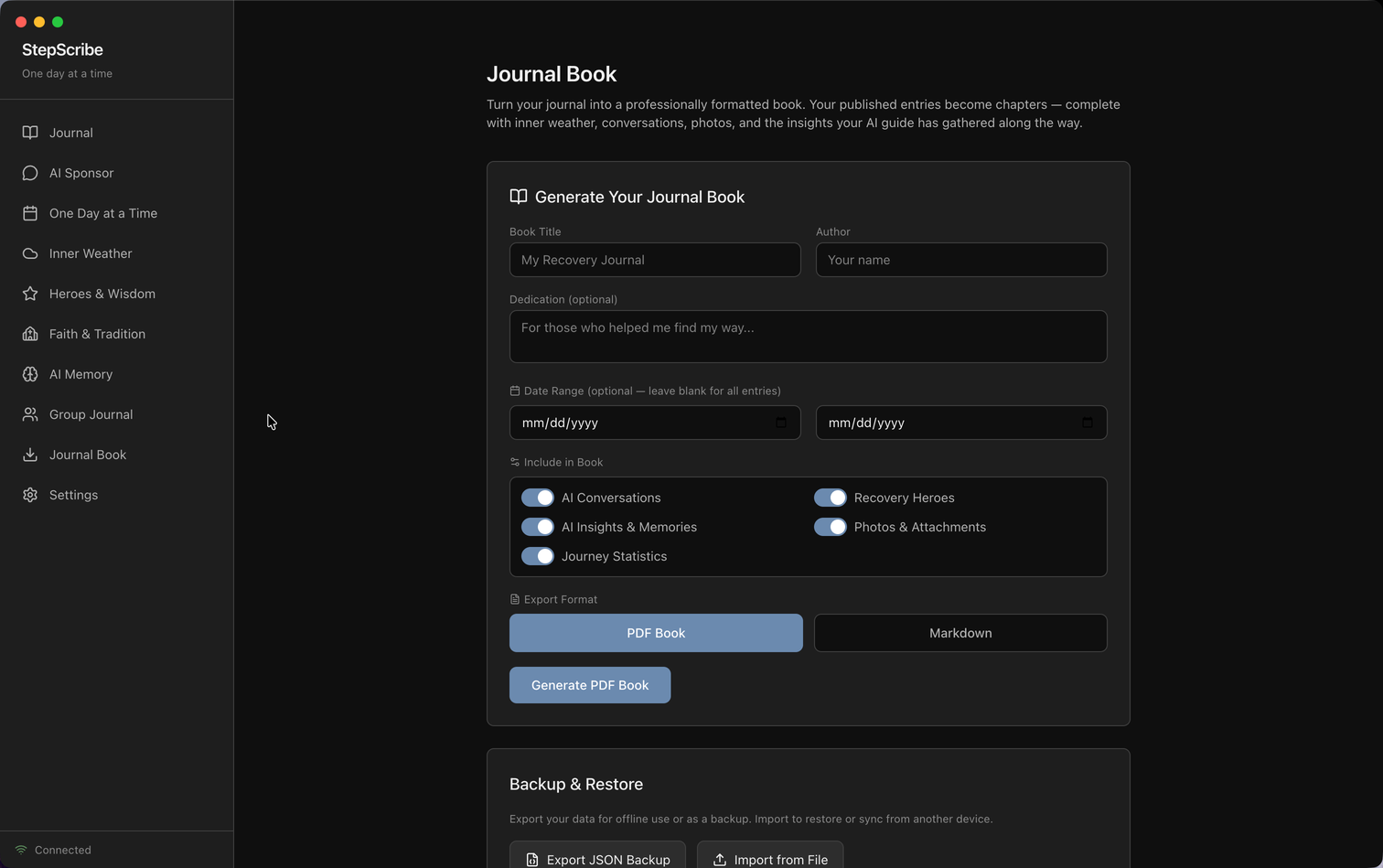
StepScribe Cloud is ready in 30 seconds from any browser — encrypted sync, daily backups, 7-day free trial, no credit card required.
Support the project
StepScribe Desktop is free and always will be. If it’s helped your recovery, consider buying the developer a coffee.
☕ Buy Me a Coffee